Indigo Minimalist Jekyll Template - Demo · 
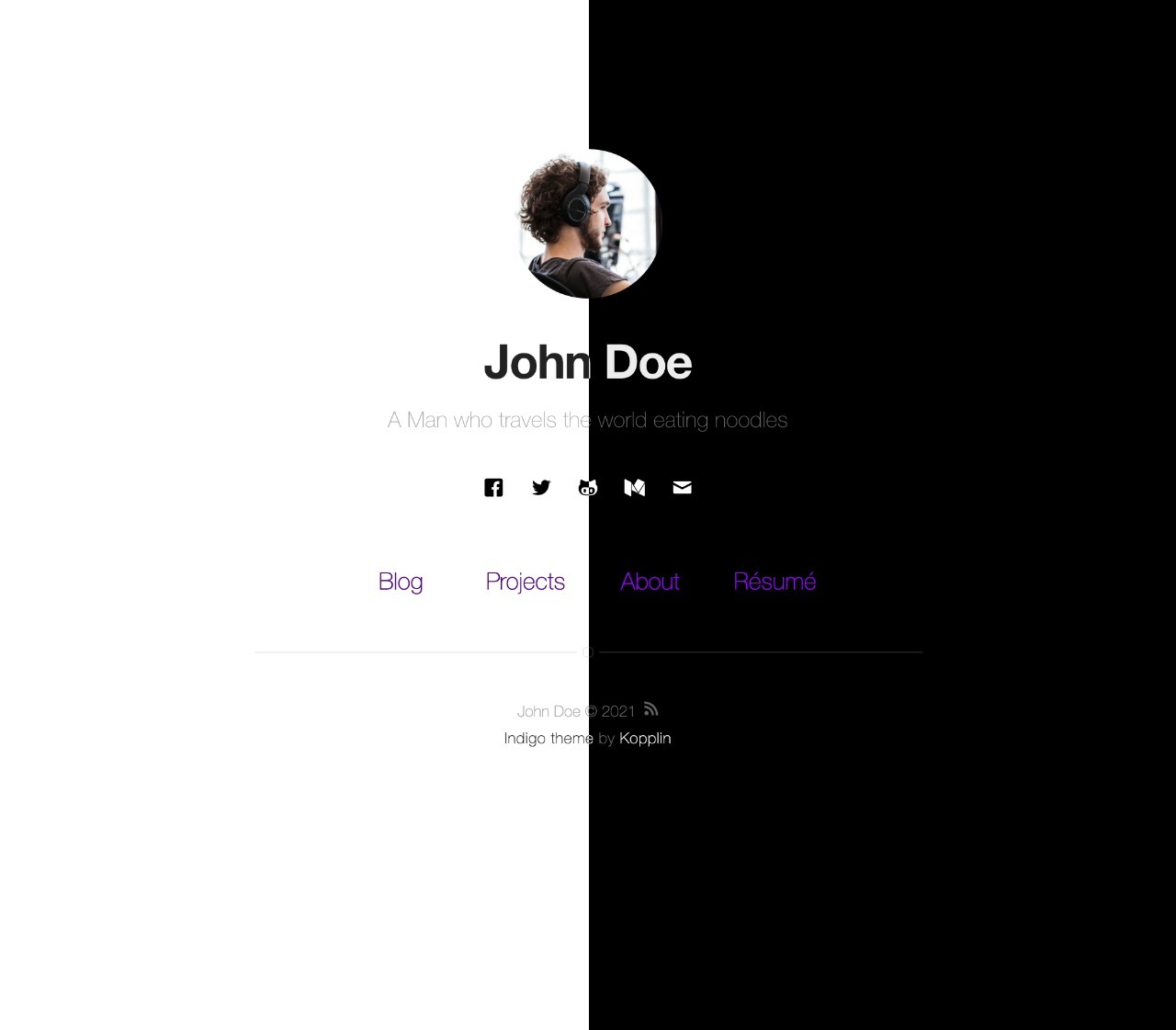
This is a simple and minimalist template for Jekyll for those who likes to eat noodles.
What has inside
|
Setup
|
Settings
|
How to
What has inside
Setup
- :star: to the project. :metal:
- Fork the project Indigo
- Edit
_config.yml with your data (check settings section)
- Write some posts :bowtie:
If you want to test locally on your machine, do the following steps also:
- Install Jekyll, NodeJS and Bundler.
- Clone the forked repo on your machine
- Enter the cloned folder via terminal and run
bundle install
- Then run
bundle exec jekyll serve --config _config.yml,_config-dev.yml
- Open it in your browser:
http://localhost:4000
- Test your app with
bundle exec htmlproofer ./_site
Settings
You must fill some informations on _config.yml to customize your site.
name: John Doe
bio: 'A Man who travels the world eating noodles'
picture: 'assets/images/profile.jpg'
...

and lot of other options, like width, projects, pages, read-time, tags, related posts, animations, multiple-authors, etc.
How To?
Check the FAQ if you have any doubt or problem.
MIT License © Sérgio Kopplin
